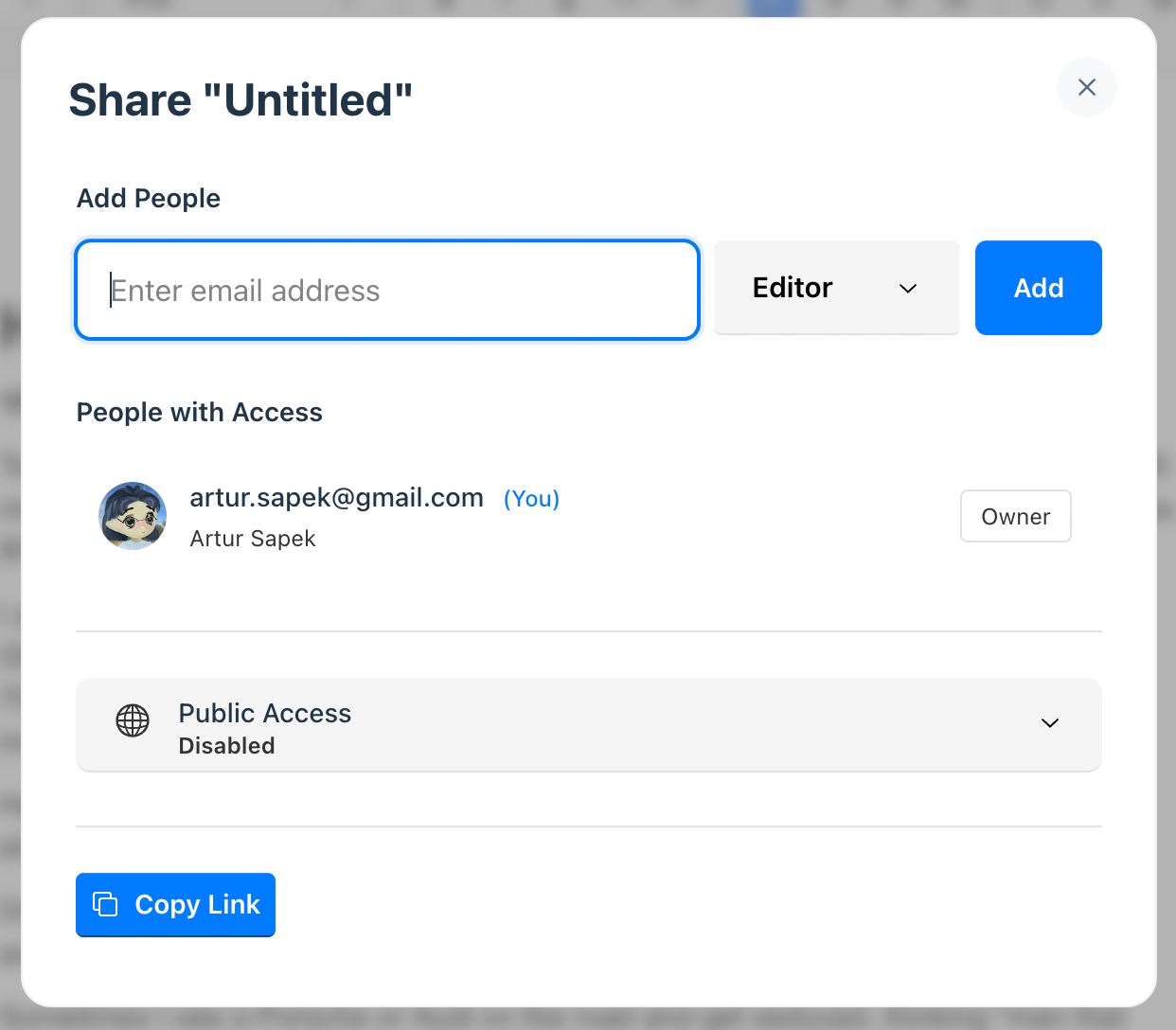
Sharing Documents
Sharing Your Documents
Revise documents are collaborative, just like Google Docs. All documents are private by default, but you can invite other people to work together with by clicking on .
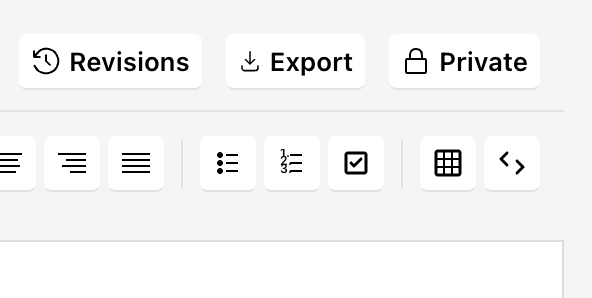
This button reflects the status of the document; if you make it public, it will say . When other people open your document, you will be able to see their cursor in real-time.
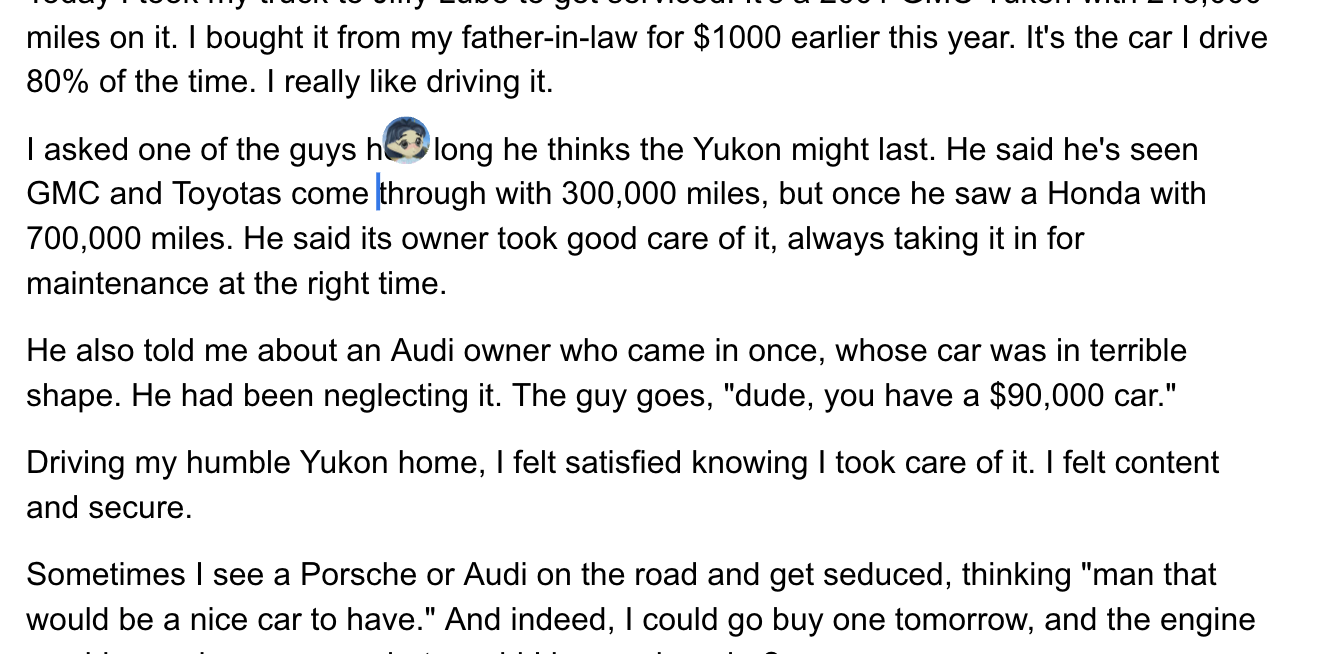
Multiple users can be having concurrent conversations with the AI Agent! Agentic changes will not be visible to other users until they are accepted. Read the AI Agent Guide to learn more.
Possible Sharing Configurations
You have a lot of control over how a document is shared. You can invite individual users by email address, and/or open a document up publicly. All of these are possible:
- Completely private to just you
- Private to you and a list of other users
- Editable by you and a list of other users, but publicly readable
- Publicly editable by anyone