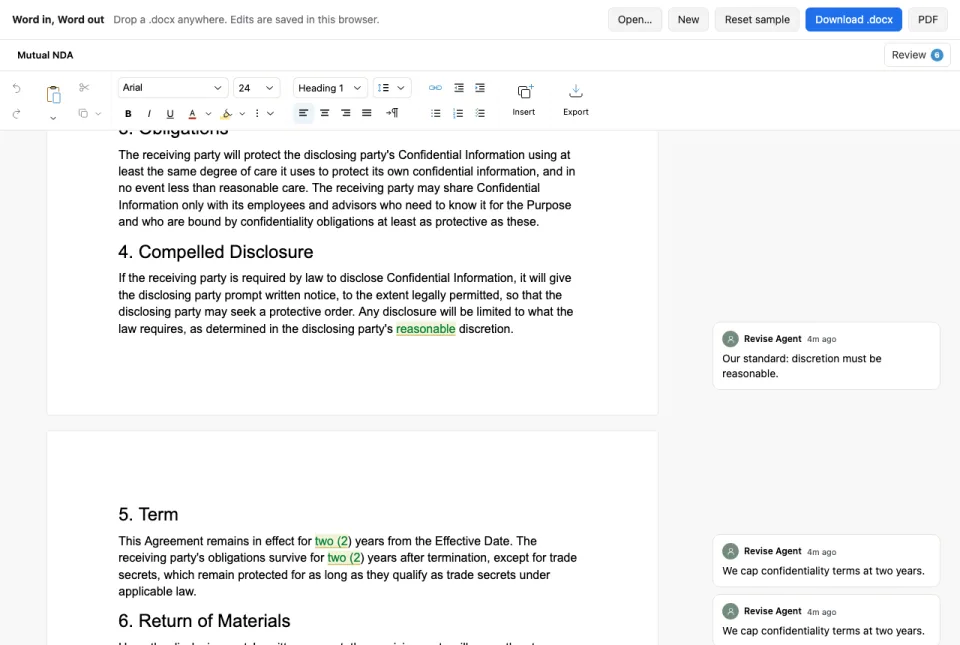
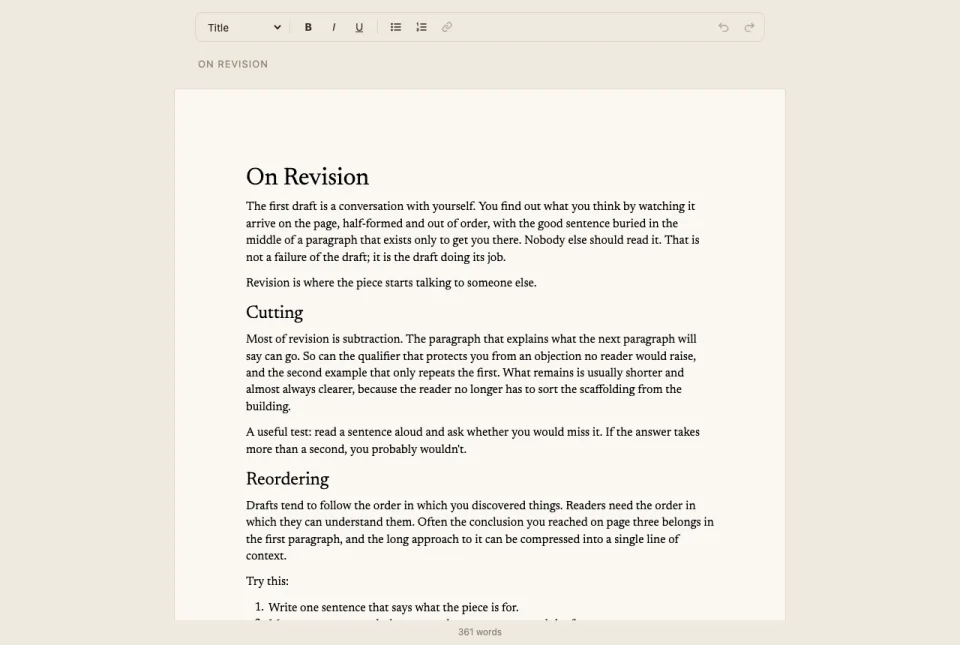
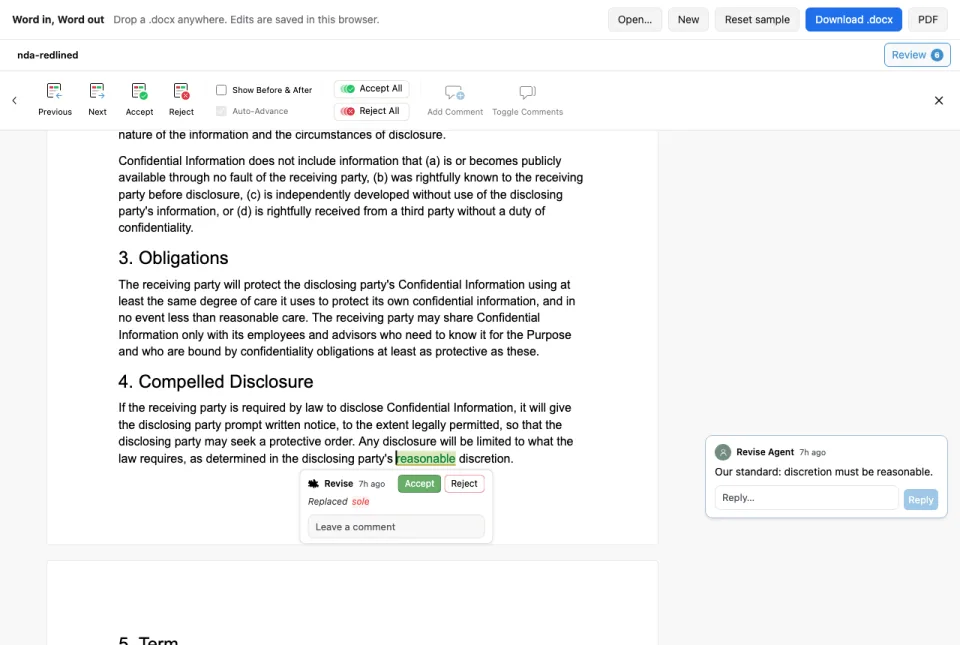
Render the component, pass in a file, and listen for changes.
The SDK does not depend on Revise servers. Use the backend package to build your own persistence, collaboration, or server-side editing. @reviseio/editor/server
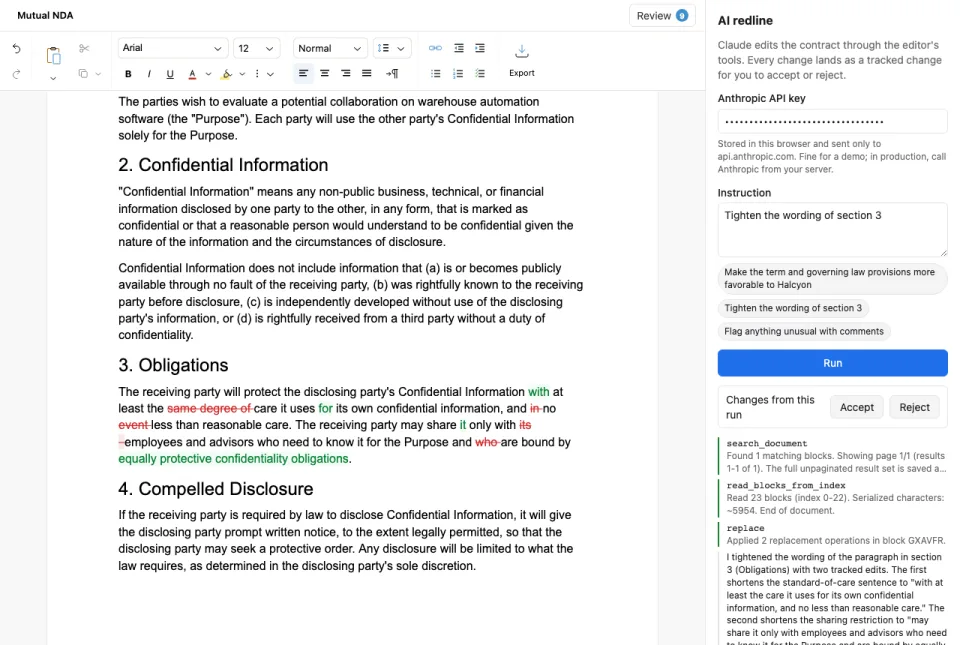
Revise was designed for agentic editing. The SDK exposes tools for editing and formatting text, leaving comments, and adjusting page layout — all with tracked changes.
Expose the editor tools in your agent loop and feed the results back in to add collaborative document editing to your AI product.
Live collaboration
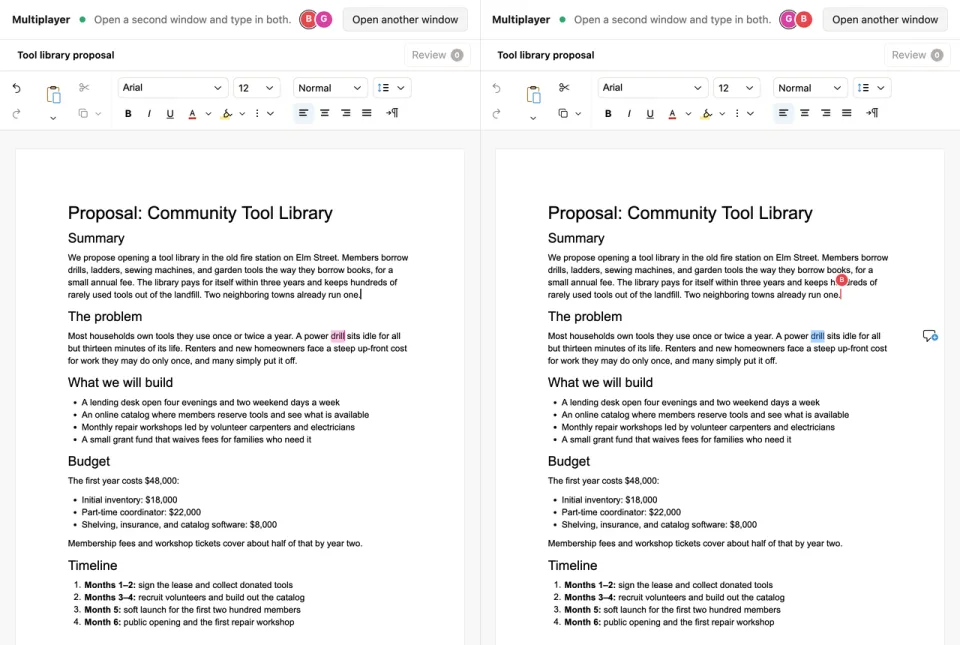
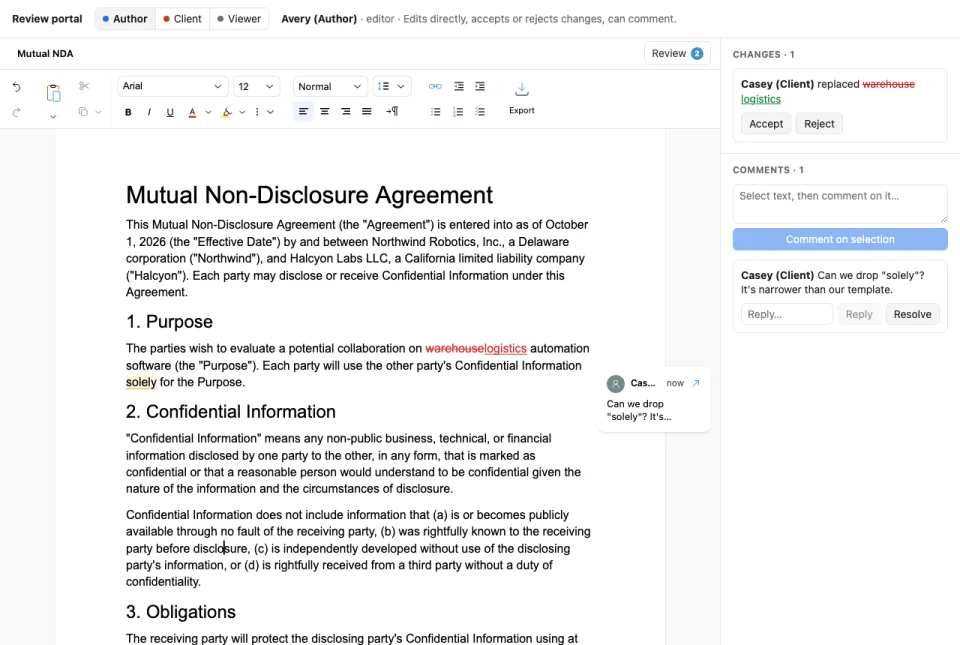
Revise supports collaboration among people and agents. Pass in a Yjs provider to share the document with live carets, presence, and participant roles.
Use the backend package to run your own sync server, persist changes, and propose tracked changes from a service. The same tool contract works in the browser and on the server. @reviseio/editor/server
Try collaboration in the interactive demo below:
Comprehensive and battle-tested
The Revise SDK lets you use the same editor that powers our web app, which is used by thousands of people every month on a wide variety of documents.
Pricing
Free for noncommercial applications. Contact us for a commercial license.
Free
For noncommercial deployments, education, and commercial testing or evaluation.
No. The editor runs entirely inside your app, and documents move only between your users' browsers and your own servers. There's no Revise account, API key, or hosted backend to depend on: storage, real-time collaboration, and server-side editing all run on your infrastructure through @reviseio/editor/server.
The only request the SDK makes on its own is an anonymous usage ping with the SDK version and your site's origin. It never includes document data or cookies, we don't store IP addresses, and you can turn it off with telemetry={false}.
No, and we don't pretend to be. The SDK is proprietary software under a short, plain license: free for evaluation, personal noncommercial apps, and education, with a commercial license for production use. There's no copyleft license wrapped around a closed engine, and nothing in our terms reaches into your own code.
Commercial customers can get source code access as part of their agreement, so your team can audit and build the editor you ship.
Any model that supports tool calling. The editor hands your agent its editing tools as JSON schemas and runs the calls your agent makes, so you can use Claude, GPT, Gemini, or a self-hosted model with your own prompts and keys.
How well does it handle Word documents?
Revise opens DOCX files with Word-style page layout and exports them back to DOCX. Tracked changes, comments, footnotes, tables with merged cells, multi-column sections, headers and footers, list numbering, and styles all make the round trip.
It's the same engine that powers the Revise editor, where people edit real Word documents every day.