Offline mode, and revert or recover the agent's changes
Offline mode
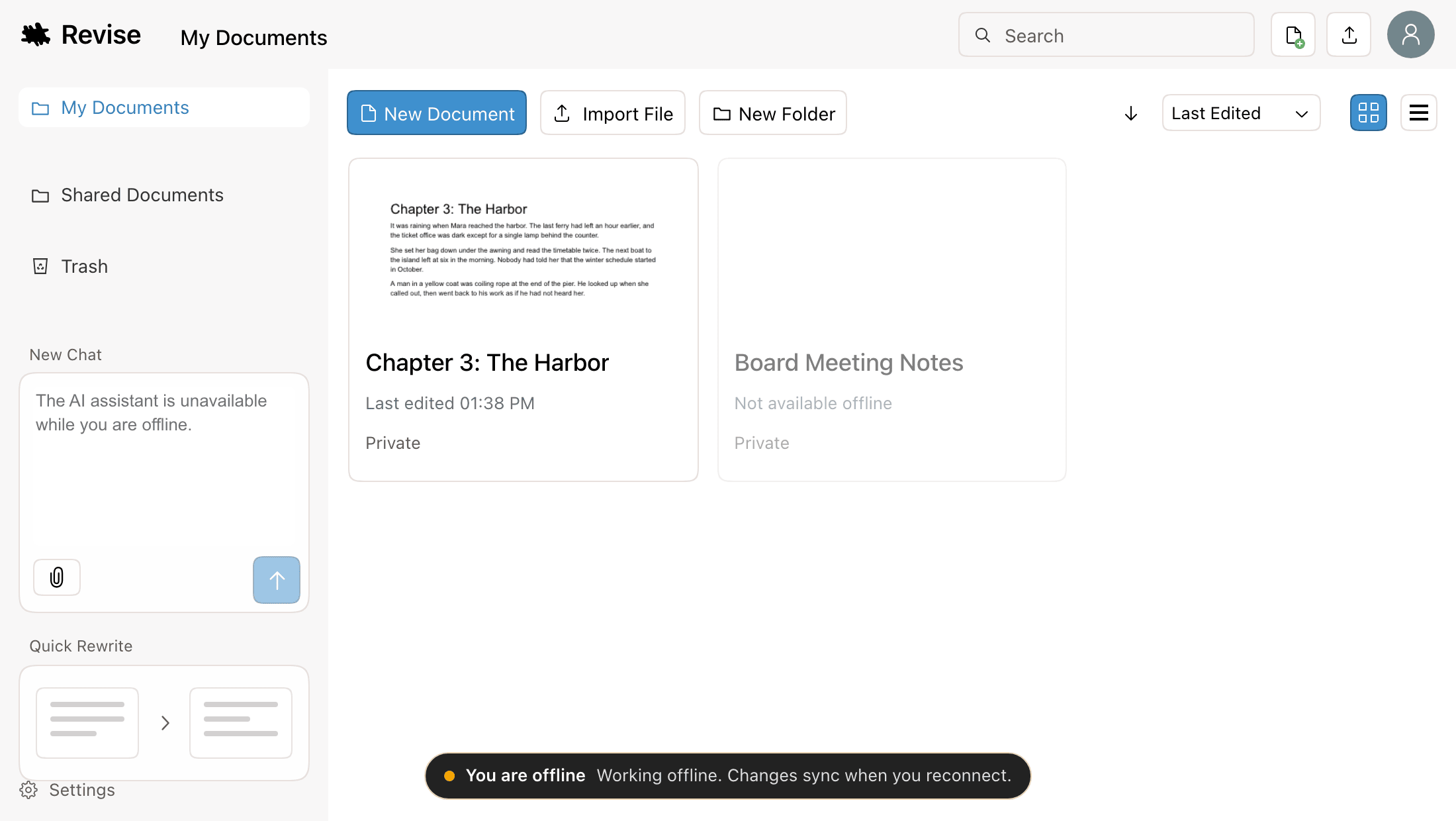
Revise keeps working when your connection drops. There's nothing to turn on:
- Documents you've opened on this computer open and edit offline. Your edits are saved as you type and sync when you reconnect.
- You can create new documents and import .docx, Markdown, HTML, and other text files offline. They move into your account when you're back online.
- The documents list shows what it showed last time you were online, and marks documents without a copy on this computer as Not available offline.
- The same applies if Revise itself can't be reached: you keep editing, and changes sync as soon as it's back.
The AI agent, PDF and image imports, and documents shared with you still need a connection. Details are in the offline guide.
Revert or recover a request's changes
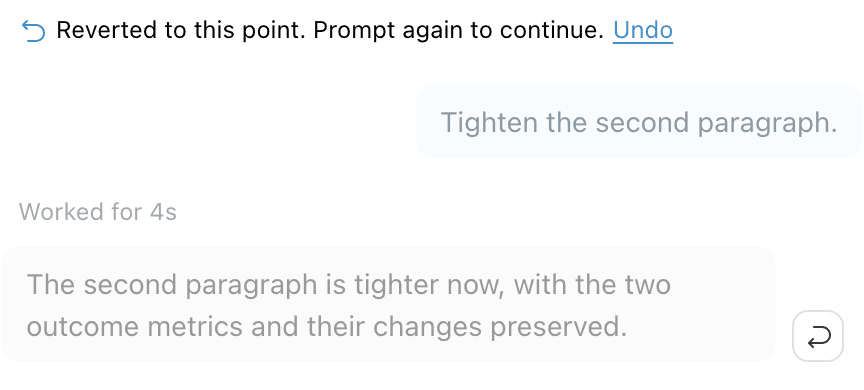
Every agent reply that left pending suggestions now has a Revert these changes button. Click it to withdraw that request's suggestions and those of every request after it, in one step. Earlier requests' suggestions stay.
Changed your mind? Click Undo on the Reverted to this point marker to bring everything back, or Recover these changes on a dimmed reply to bring back that request and the ones before it. The revert becomes final once you send your next prompt or reload the page. See reviewing AI changes for when the button isn't offered.