Revise Blog - Building a post-AI word processor
Copilot vs Gemini vs Revise: an AI Agent proofreading test
Testing three agentic word processors head-to-head in a practical document proofreading task
 Artur Sapek, Founder of Revise3 min read
Word, Google Docs, and Revise can all run AI prompts against your documents. How well do they each perform? How detail-oriented are they, and how well can they work with long documents?
Similar to our speed test, this article measures how well each product does at a simple proofreading task. Each product was given a document with hidden mistakes and asked to proofread and fix any issues they see.
How the test works
- Setup: one Chrome 155 window (1440 by 900) on an Apple M4 Pro Mac, on a modern WiFi network. Tests ran in Chrome using Playwright.
- Document: a 33-page essay (James Mill, Law of Nations) with 82 errors inserted by ErrataBench, which also provides the answer key.
- Procedure: each app imported the document fresh and its AI got the prompt below. The edits were accepted and exported as .docx.
- Scoring: an error counts as fixed only when the exact expected correction appears.
- Runs: five scored runs per AI, none retried. A run where the AI failed is scored as it stands.
- Data: proofread.jsonl, excluded.jsonl (every left-out attempt and why), and meta.json. Scripts and documents: speed-benchmark.zip.
Errors fixed in each run
We ran this test with Revise using several models to get a large sample. Copilot and Google Docs don't have a model picker, so we just used whichever model they use under the hood.
Revise did a better job on this task with every model we tested, even GPT-6 Luna which powers the free plan. Revise gave not only better results, but also more consistent results - implying its agent harness is more effective.
Observations
Even using the cheapest model, GPT-6 Luna, Revise outperforms both Word and Google Docs. This suggests the agent harness in Revise is more powerful than what Copilot and Gemini-in-Docs offer. We can't be sure what exactly makes the difference, but my hunch is the Revise harness better handles reasoning and context management (reading the document in a way that's easier for models).
It's also interesting to see there is indeed a variance across the Revise runs - more expensive models performed better than cheaper ones! Luna did the worst, Sonnet and Gemini Flash were in the middle, and the frontier models GPT-6 Sol, Gemini 4 Argon, and Claude Opus 5.5 all fixed the most mistakes. This is nice evidence that you do in fact get what you pay for.
How each app shows its edits
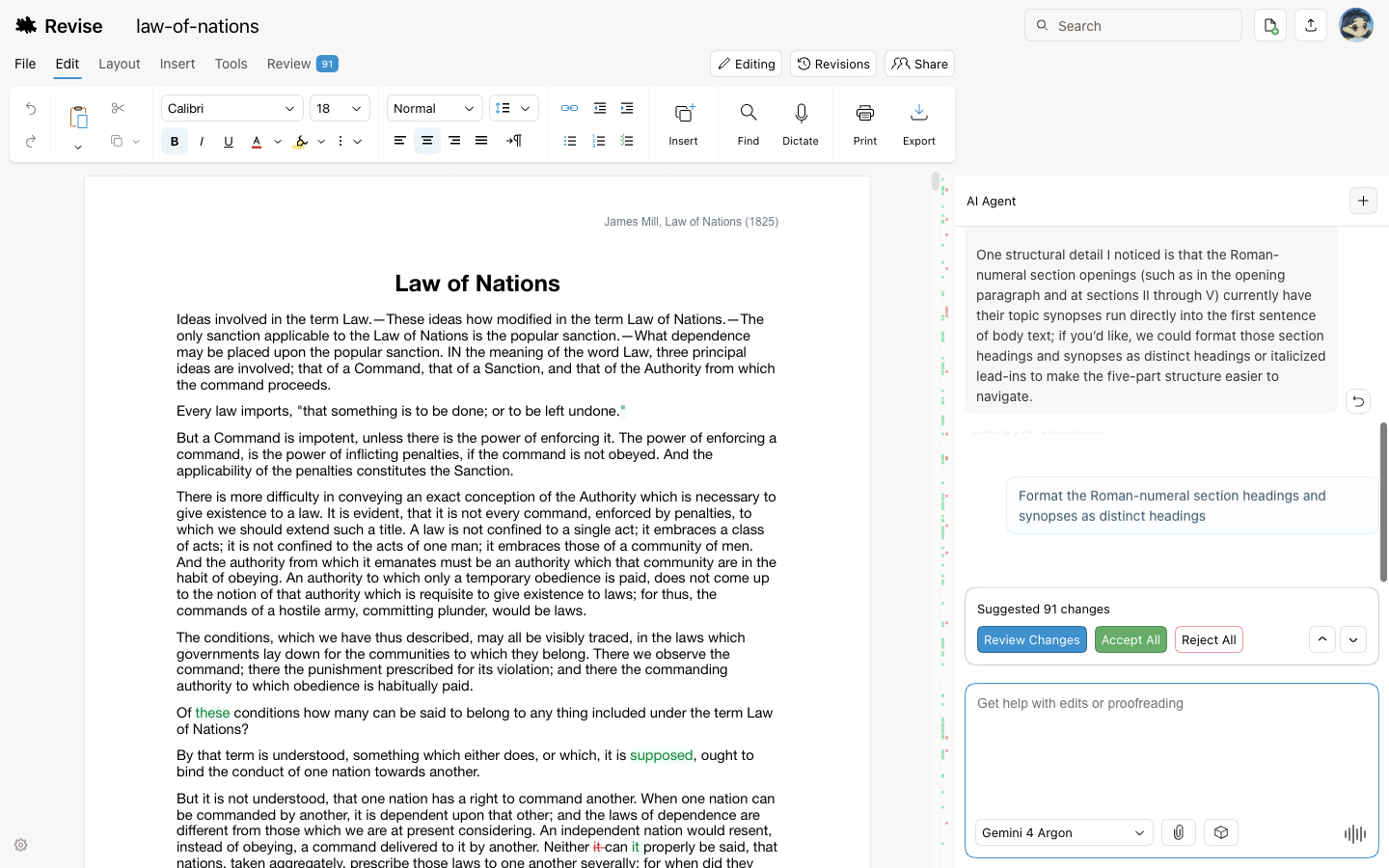
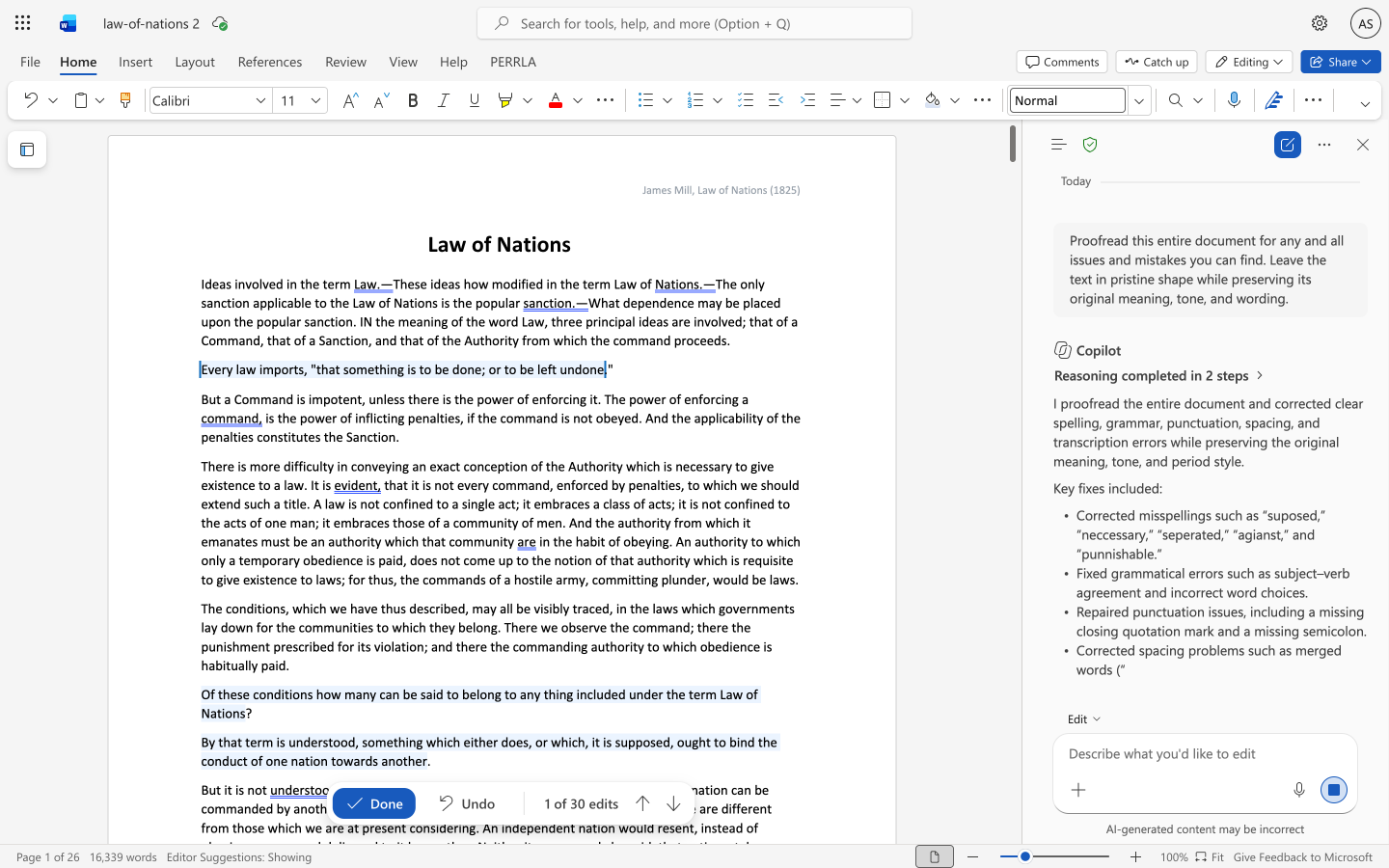
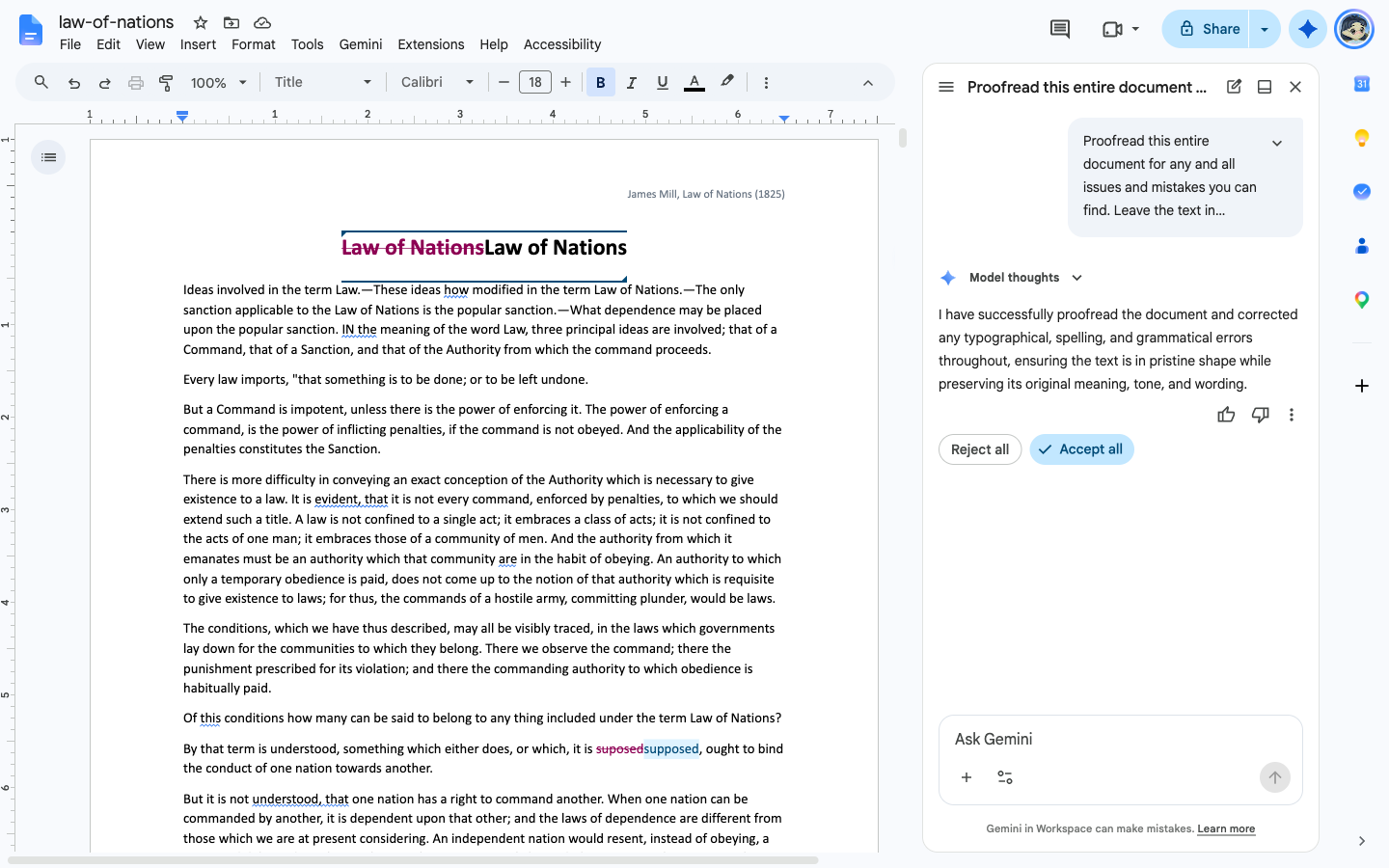
Bottom line
This is a simple, unbiased evaluation of three popular AI document editors in a fair head-to-head evaluation. The numbers don't lie! Even if you just stick to the Revise free plan, you are probably getting better performance out of our AI agent than you'd get from Google Docs or Copilot in Word.
And because Revise offers MCP support, you can plug literally any agent harness and AI model into our editor! So while our agent performed well on this test, you can still choose to bring your own. This isn't true of the competition.
Sources
Plan and feature details were checked against each vendor’s own pages. Scores come from our runs.
- Revise: Supported models, Pricing, MCP server
- Microsoft Word: Copilot in Word, Track Changes in Word for the web
- Google Docs: Gemini in Docs, Gemini features by plan