or drag and drop
Supports PDF, MD, DOCX, RTF, ODT, TXT, photos, and scansConvert toWord document
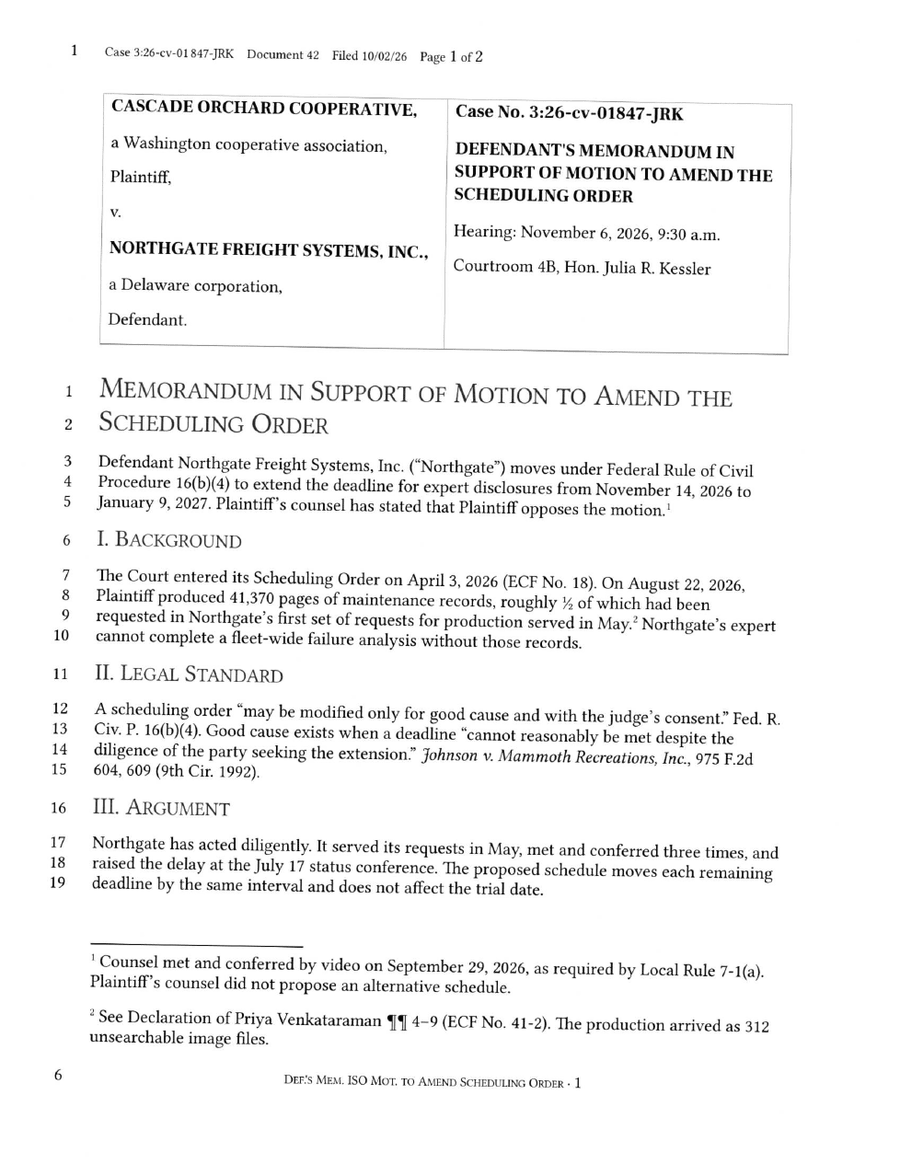
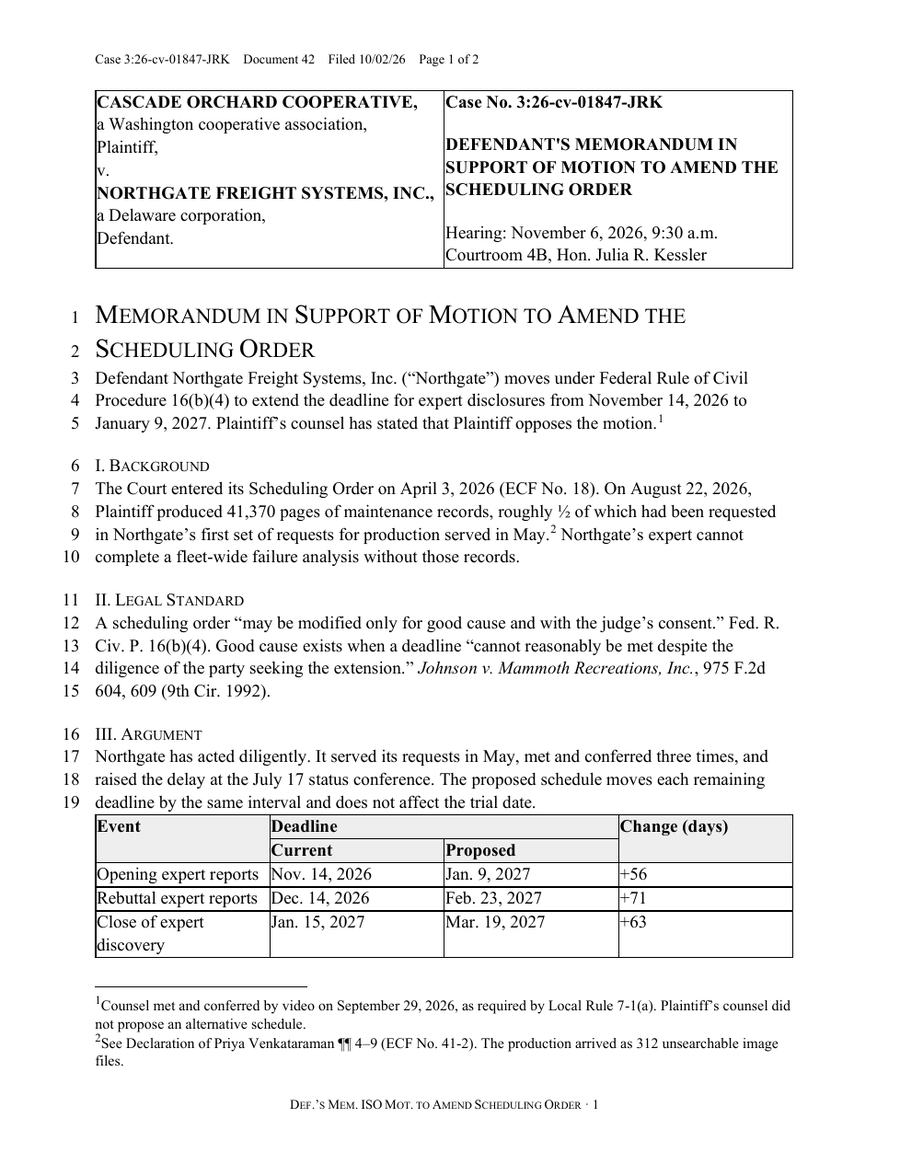
Convert scanned PDFs into editable Word documents, no text layer needed.
Revise doesn't use traditional OCR, which guesses characters from pixels and loses the structure around them. Our system uses a vision AI model to preserve tables, footnotes, page headers, and more.
Drag it onto the page or browse for it. Pages are prepared right in your browser before anything is processed.
A vision AI model reads each page and rebuilds it as real structure — headings, lists, tables, and formatting — instead of scraping a brittle text layer.
Your converted Word file downloads automatically, and the document opens in the Revise editor — make a quick fix or ask the AI Agent to polish it, then export again free.
Convert files in your own software using the Revise API. Integrate in minutes and convert documents between any formats. No monthly subscription.
Yes — no account or signup required. Drop in your file, pick a format, and your converted file downloads automatically. You also get the document open in the Revise editor in case you want to make edits before sending it.
A scanned PDF is just pictures of pages — there's no text layer to extract. Converters that rely on that layer output nothing, and bolt-on OCR tends to produce unformatted text soup. Revise's vision AI reads the page image directly and reconstructs real document structure.
Revise reads your file with a vision AI model instead of traditional OCR. It preserves headings, lists, and tables, and handles scans, screenshots, and even handwriting far better than pattern-matching OCR tools.
Yes. Because the converter is powered by a vision model rather than a text layer, scanned pages, photos of documents, and screenshots all convert into clean, editable text.
Yes. After converting, your document opens in the Revise editor with the download already started. You can fix anything, ask the built-in AI assistant to clean up formatting or proofread, and export again in any format — all without an account.
We don't keep it. Your pages are turned into images right in your browser, processed once by the vision AI model to extract the content, and the uploads are deleted automatically afterward. The converted document belongs to you — if you're not signed in, it exists only in your own browser.