Importing & Exporting
Last updated
Importing Documents
Click the "Import Document" button in the Docs home to import a file. You can also just drag a file into Revise!
Compatible File Formats
Revise can import and export documents in several popular file formats:
- Word (.docx) – See Word compatibility
- Markdown (.md)
- HTML (.html)
- Plain text (.txt)
- PDF (.pdf)
- RTF (.rtf) and OpenDocument (.odt) - import only
Word import and export preserve the details professionals rely on (see the full Word compatibility map for exactly what survives and what's on the roadmap):
- Tracked changes - Word redlines import as Revise suggestions you can accept or reject, and Revise suggestions export as real tracked changes with author and timestamp.
- Footnotes and endnotes, including their numbering streams.
- Headers, footers, and page-number fields, including different first-page headers.
- Comments, with reply threads and resolved state.
- Formatting details like equations, highlights, text colors, fonts, and text inside boxes and shapes.
Visual PDF Import
Revise imports PDFs visually. Unlike traditional PDF text extraction, this approach scans your PDF with multi-modal LLMs and preserves a lot more of the document structure including formatting and tables with high accuracy.
PDF imports can take some time, so be patient! You will see the content stream into your document one chunk at a time. When it's done, you have a fully editable rich text document.
Visual import even works for images! If you have a photo of a document from your phone, you can simply import that image and Revise will handle it the same way as a PDF.
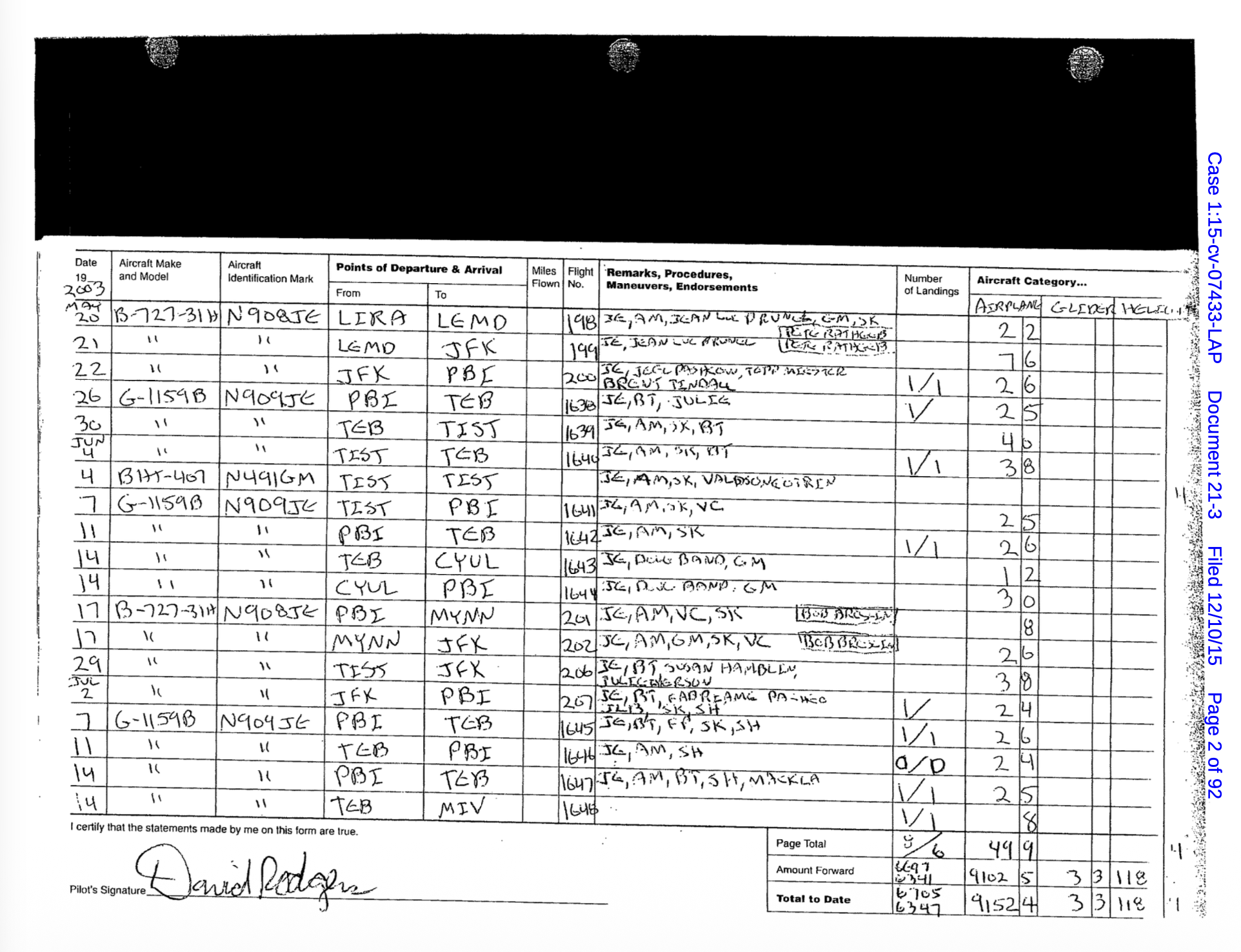 A PDF before import
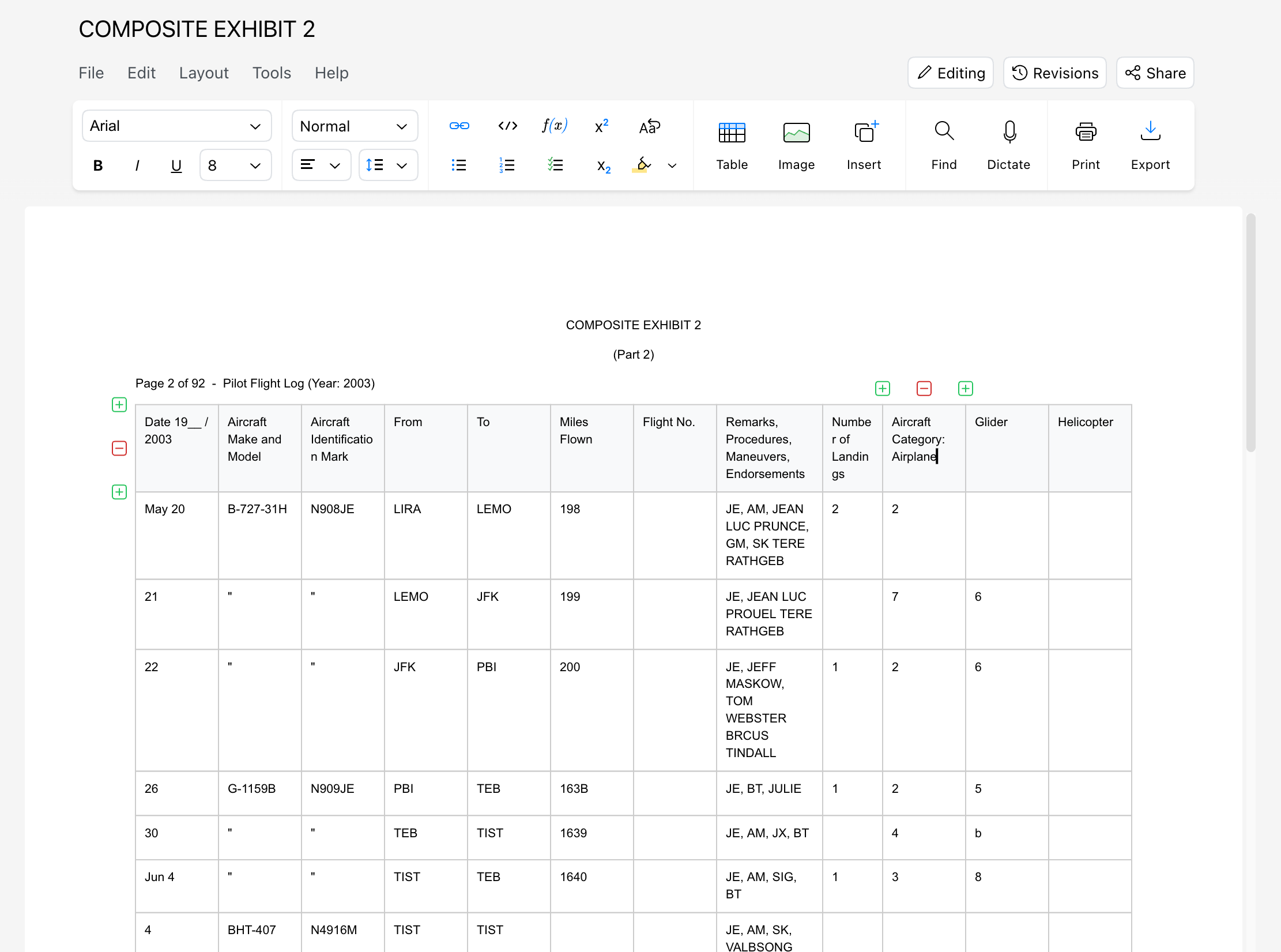 The same PDF imported into Revise
Exporting
You can download your document in any format you need by using the Export button in the editor UI.
You can also print directly with the Print button, or ⌘ P.
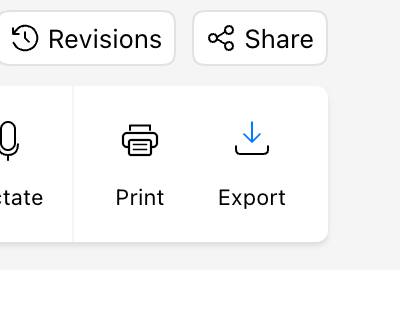 The Print and Export buttons in the editor UI